
Verifying MQTT
The board needs to keep streaming data for us to see it for this step.
- On the HiveMQ Cluster Management page, click on the Web Client tab under Free #1.
- Next to the yellow Connect button, there’s another one labeled Connect with autogenerated credentials. Click it.
- It will ask to Create and connect. Click that, too.
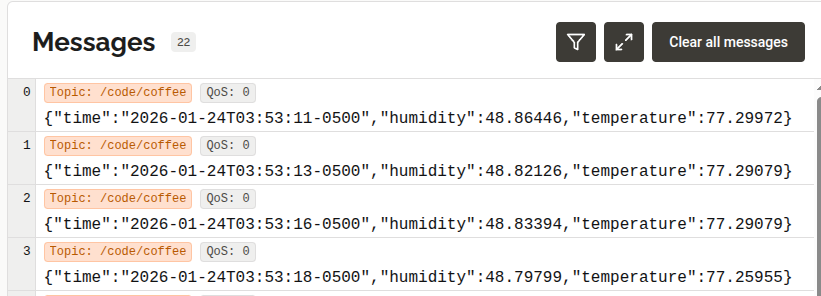
- Finally, click Subscribe to all messages.
You should start to see messages streaming across! It’s still just a fancy serial monitor, though.
If you haven’t written much code before, you just created a C++ embedded program and got it online!
You deserve a break, so we’re going to phone in the next part by letting AI create the dashboard. Just let this run in the background for a minute.
Next Up: Dashboard Connection